


Adding an Email Alias (Plesk 12)
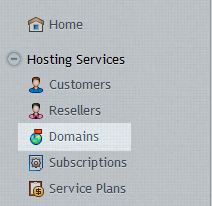
First, log into your Plesk control panel and then click on Domains from the main menu.
Click on the domain that the email account belongs to.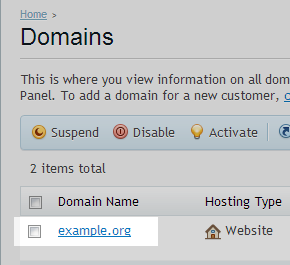
Now click on the Mail tab at the top of the page.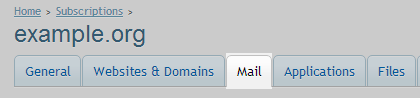
Click the email account that you would like to add the alias to.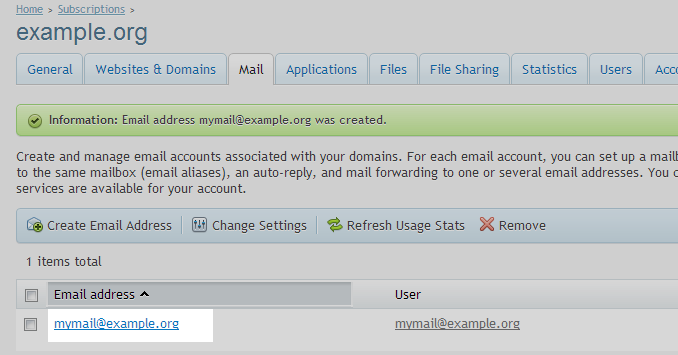
Click the E-Mail Aliases tab at the top of the page.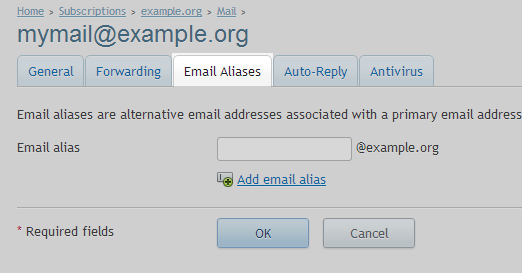
Enter what you would like to use as an alias for this mailbox and click Ok at the bottom.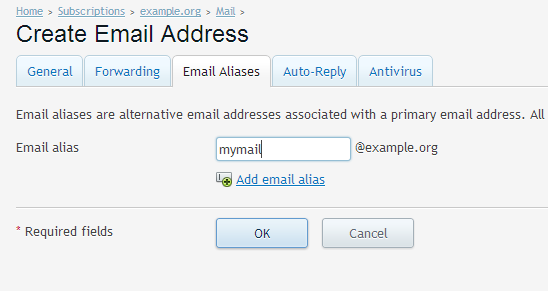
You may add as many aliases as you like for a single mailbox, any emails sent to any of the aliases will be delivered to that mailbox.