


How do I change the web statistics version in (Plesk 12) ?
Webstats can be using to monitor the traffic to a specific website.
Log into Plesk panel.
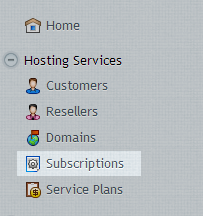
Click on subscriptions.
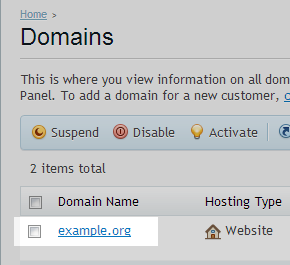
Select the Domain name
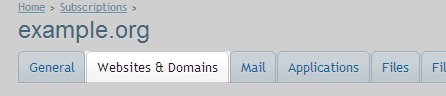
Click on the Website and Domains Tab
Click on Hosting Settings.

Select the required website statistics – or none if no statistics required.

If you wish to protection the domain stats folder ensure password-protected is ticked.
Accessing the websites statistics
url : http://example.org/plesk-stat/webstat
If password protection has been enabled you will need to enter the FTP username and password.